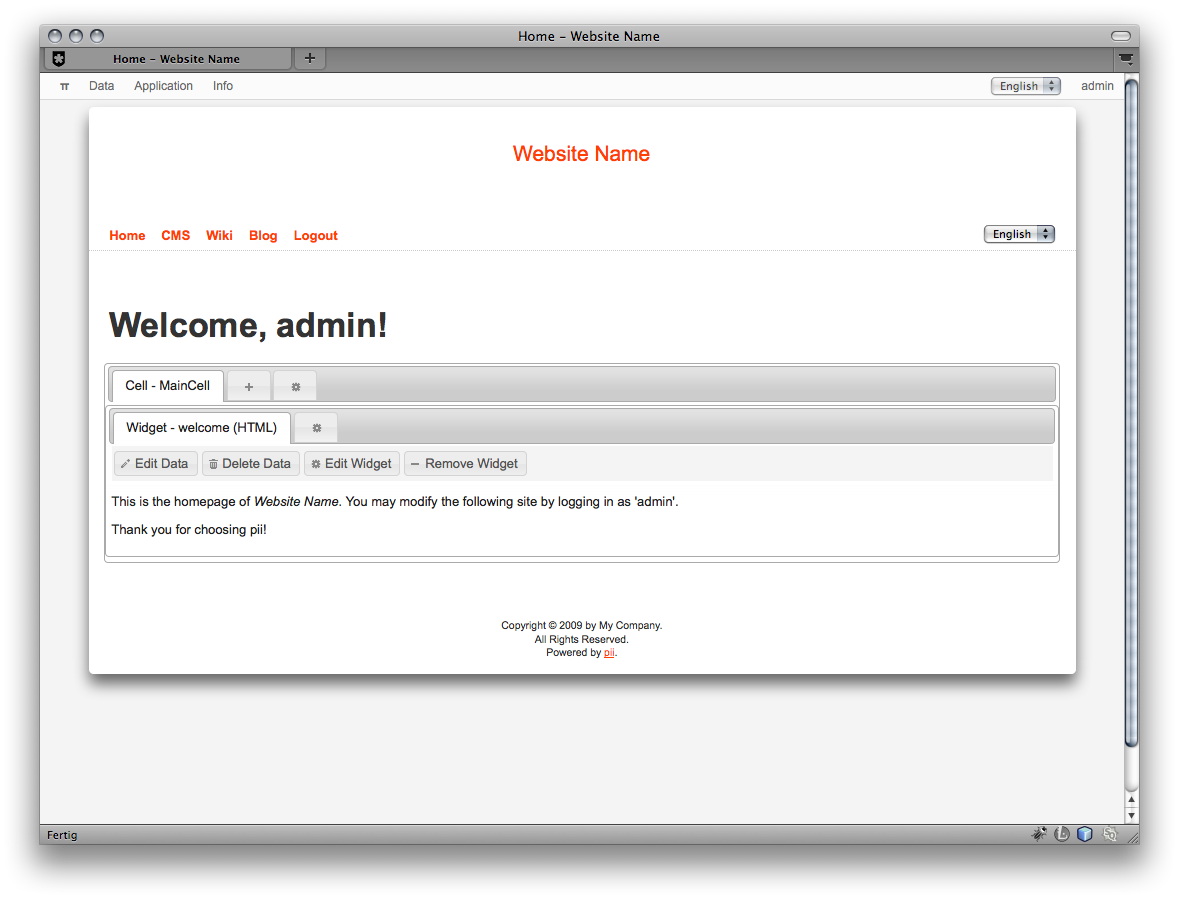
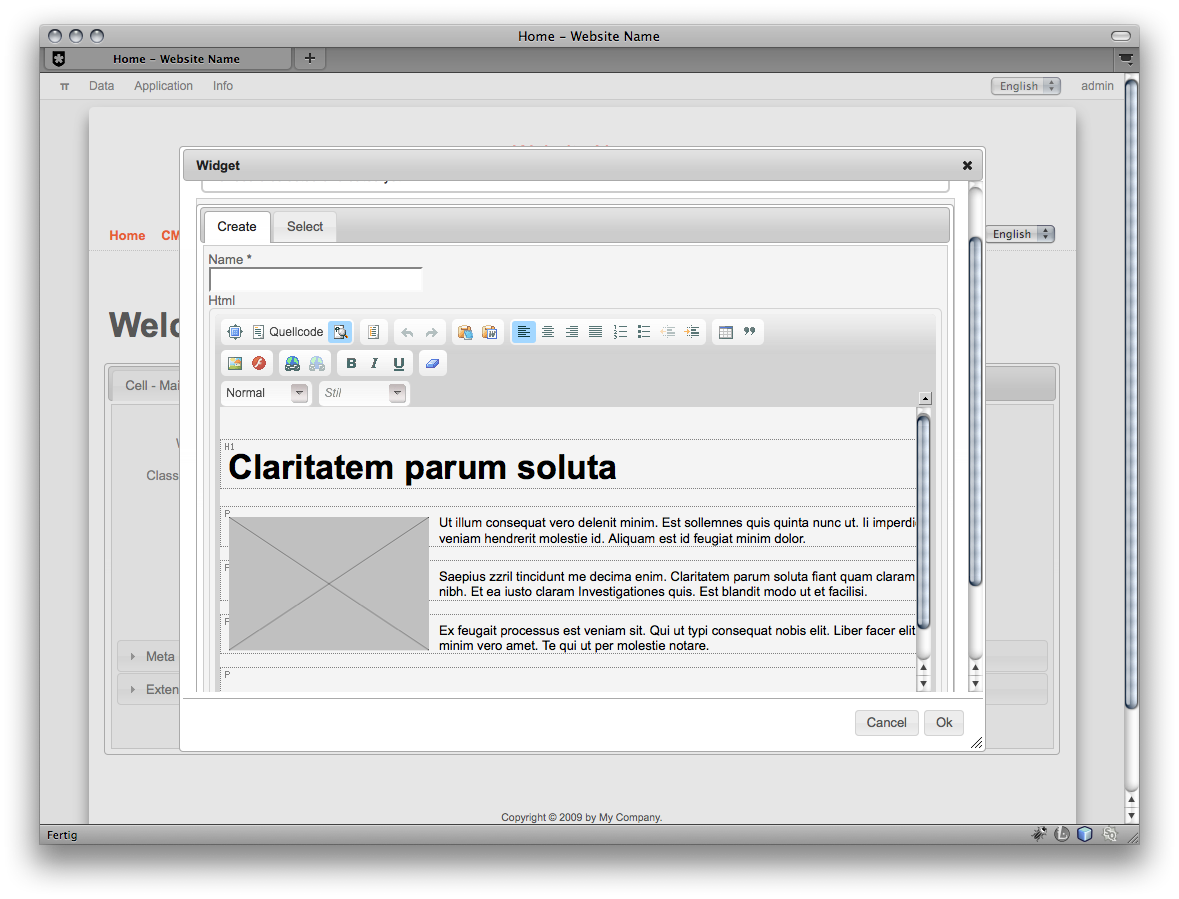
[MODULE] phundament 2 A content management module for Yii
#21
Posted 11 March 2010 - 06:50 PM
Seems like this is occurs only on WAMP.
I also contacted Spyros, the developer of srbac, maybe he can shed some light.
Best regards,
schmunk
Fork on github
Follow phundament on Twitter
DevSystem: Mac OS X 10.7 - PHP 5.3 - Apache2 - Yii 1.1 / trunk - Firefox or Safari
#22
Posted 12 March 2010 - 12:35 AM
change srbac config to "layout"=>"application.views.layouts.main" or whatever your layout is and see if that helps
#23
Posted 12 March 2010 - 05:31 AM
@Spyro - Thanks and will have give it a go at it later

#24
Posted 12 March 2010 - 07:10 AM
I tried to use "layout"=>"application.views.layouts.main" instead of "layout"=>"application.views.layouts.admin" but still no effect, I'm using WAMP and standalone Pii.
SRBAC file: C:\wamp\www\pii\modules\pii\modules\srbac\views\authitem\install\installText.php
@Schmunk: By the way, can I develop Pii under one workstation and then put it to other on-line? Because I was not successful in that too
Thanks!
#25
Posted 13 March 2010 - 03:25 PM
CoLT, on 12 March 2010 - 07:10 AM, said:
Check if deleting files in temp folders helps:
*appRoot/
* runtime
* www/assets
* www/runtime
Also check if config settings may differ, i.e. database or include paths.
Usually I use SVN updating my sites. But a manual move should also be possible.
What says the error log?
[edit]
Best practice is to install the app, your webserver also need permissions for the temp folders.
Fork on github
Follow phundament on Twitter
DevSystem: Mac OS X 10.7 - PHP 5.3 - Apache2 - Yii 1.1 / trunk - Firefox or Safari
#26
Posted 13 March 2010 - 04:42 PM
Thanks for replying, after deleting those temp files nothing more happens, just same Install screen
Any news on why SRBAC does not work on Pii?
Thanks for help again!
#28
Posted 15 March 2010 - 06:01 AM
CoLT, on 14 March 2010 - 06:10 AM, said:
Thanks, very nice, I also noticed the Pi(i) Day
And for sure we'll use Yii 1.1.1 as the new base. Implementation starts today ...
Fork on github
Follow phundament on Twitter
DevSystem: Mac OS X 10.7 - PHP 5.3 - Apache2 - Yii 1.1 / trunk - Firefox or Safari
#30
Posted 19 March 2010 - 08:28 AM
Fork on github
Follow phundament on Twitter
DevSystem: Mac OS X 10.7 - PHP 5.3 - Apache2 - Yii 1.1 / trunk - Firefox or Safari
#31
Posted 19 March 2010 - 02:01 PM
CoLT
#32
Posted 20 March 2010 - 10:35 AM
Fork on github
Follow phundament on Twitter
DevSystem: Mac OS X 10.7 - PHP 5.3 - Apache2 - Yii 1.1 / trunk - Firefox or Safari
#33
Posted 20 March 2010 - 10:52 AM
Thanks for everyone's contribution! Together we can make Yii and all extensions and projects even more efficient!
#34
Posted 20 March 2010 - 12:17 PM
Which version of srbac, Yii do you use?
What's exactly is the problem?
#35
Posted 20 March 2010 - 01:15 PM
http://easycaptures.com/2644773792
I tried to install SRBAC on clean Yii testdrive, same problem.
And I can not find the problem
Using Yii 1.1.1 (also same problem with Yii 1.1.0)
SRBAC 1.1.0.1
----
Latest Pii
Thanks for quick response, hope to move fast forward when together solving all of those compatibility issues
#36
Posted 20 March 2010 - 03:19 PM
This was a bug that was fixed in the last version 1.1.0.2.
#37
Posted 20 March 2010 - 03:39 PM
Spyros, on 20 March 2010 - 03:19 PM, said:
This was a bug that was fixed in the last version 1.1.0.2.
First of all, SRBAC install problems with Yii was fixed by removing from config "_red" .css(srbac_red.css came from example in demo web), then came error about View NotAuthorized(this string also came from demo web example), fixed with replacing by existing one:
"notAuthorizedView"=>"application.views.site.error",
Now Yii 1.1.1 + latest SRBAC 1.1.0.2 works fine now.
But the main issue in my case is to determinate why Pii+Srbac does not work well on WAMP.
I also started to check config because only install screen is popping out, and Install button was disabled until I added default layout string in config as you suggested:
"layout"=>"application.views.layouts.main",
Under C:\wamp\www\pii\modules\pii\config\pii.php
Everyone is welcome to suggest or trace possible error(s) that causes SRBAC not to work well on Pii using WAMP.
CoLT
#38
Posted 20 March 2010 - 05:09 PM
Doesn't install?
It installs but you can't create / assign authorities?
I'll check out Pii tomorrow and see if I can help
#39
Posted 20 March 2010 - 06:08 PM
Spyros, on 20 March 2010 - 05:09 PM, said:
Doesn't install?
It installs but you can't create / assign authorities?
I'll check out Pii tomorrow and see if I can help
As Schmunk(The author of Pii) has told - after installing Pii srbac should be installed automatically too.
The meaning of "not working well" is as I try to access management of already created roles, tasks, etc. I get install screen with disabled Install button(means some error occur(still I believe no install screen should ever appear in here)). This is the main problem:) And I believe its only on Wamp because I do not see other complaints except @Seal's posts
I added layout string(post above) and then tried to reinstall srbac, however it still drops install screen and puts Pii administrator bar offline
All of that is done of course with Windows(XP) and WAMP. Have not tried to install Pii on other systems nor applications. But WAMP is often used so I believe Pii should be WAMP compatible if it wants to be Windows compatible
Thanks for contribution everyone!
#40
Posted 21 March 2010 - 02:03 AM
<?php
public function isInstalled() {
try {
$tables = Yii::app()->authManager->db->schema->tableNames;
$tableName = AuthItem::model()->tableName();
$tablePrefix = AuthItem::model()->getDbConnection()->tablePrefix;
if(!is_null($tablePrefix)) {
$tableName = preg_replace('/{{(.*?)}}/',$tablePrefix.'\1',$tableName);
}
if(in_array($tableName, $tables)) {
return true;
}
return false;
} catch (CDbException $ex ) {
return false;
}
}
?>
Probably for some reason it always returns false
To check if the problem is there change it to return true and see if srbac works .

Help