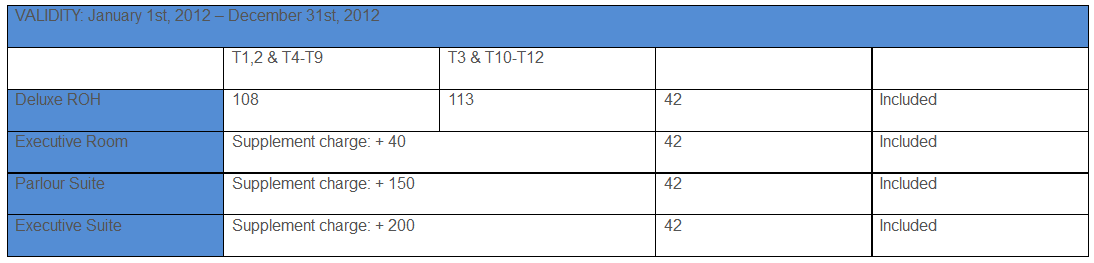
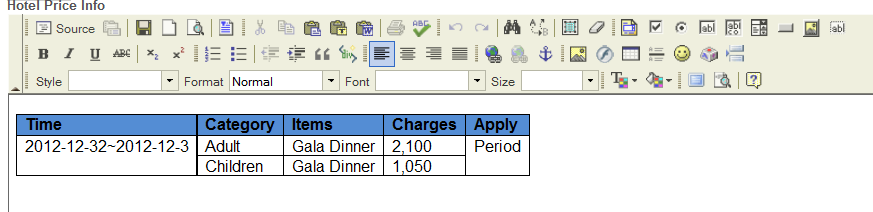
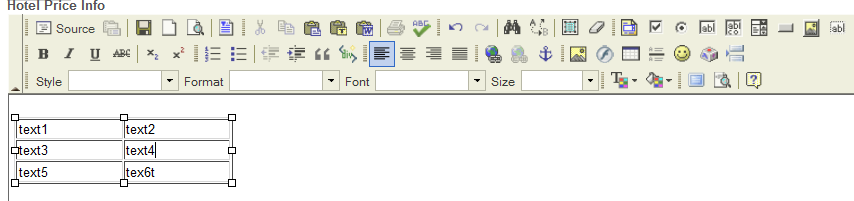
I realize that CKEditor doesn’t do well on table. I mean (look at picture below), I can’t resize column’width to fit well the text inside. So the table look quite big than needed.
So question here is: is there a way to avoid this unpleasurable behavior. Do you recommend something better instead of CKEditor. Just because there are many tables in my page view.
Are you using an extension for creating ckeditor? or are you creating manually?
If you are using a certain extension, please post to the creator of the extension. Otherwise, could you please post more details about the bug. It is not clear enoght of what is going on (at least for me).
The problem is it’s very difficult to adjust the column’s width. In MS Word you can adjust every column’s width. Here with CKeditor you can just adjust the width of whole table. Very often the width of every column on the website looks bigger than it when we’re editing.
Here is the picture in editor mode: (first I created table from MSWord editor than copied to CKEditor)